Book by invitation
Add the room to a meeting in Google Calendar, Outlook or Apple Calendar. The room replies like a person would, from its own address.
Modules / Calendar & rooms
Book a room from the calendar you already use.
Every room has its own calendar. Invite the room from Google Calendar, Outlook or Apple Calendar and it answers: accepted, waiting for approval, or declined with the reason and the next free time.
Try it in the demo church. Sign in as Joshua Ho from the worship team and book a room for rehearsal. One click, no account needed.

What it does
Add the room to a meeting in Google Calendar, Outlook or Apple Calendar. The room replies like a person would, from its own address.
Who can book it, how far ahead, for how long, and whether a facility manager approves each booking.
A declined booking says why (already booked, too far ahead, too long) and when the room is next free.
Facility managers see pending requests together and decide in a tap.
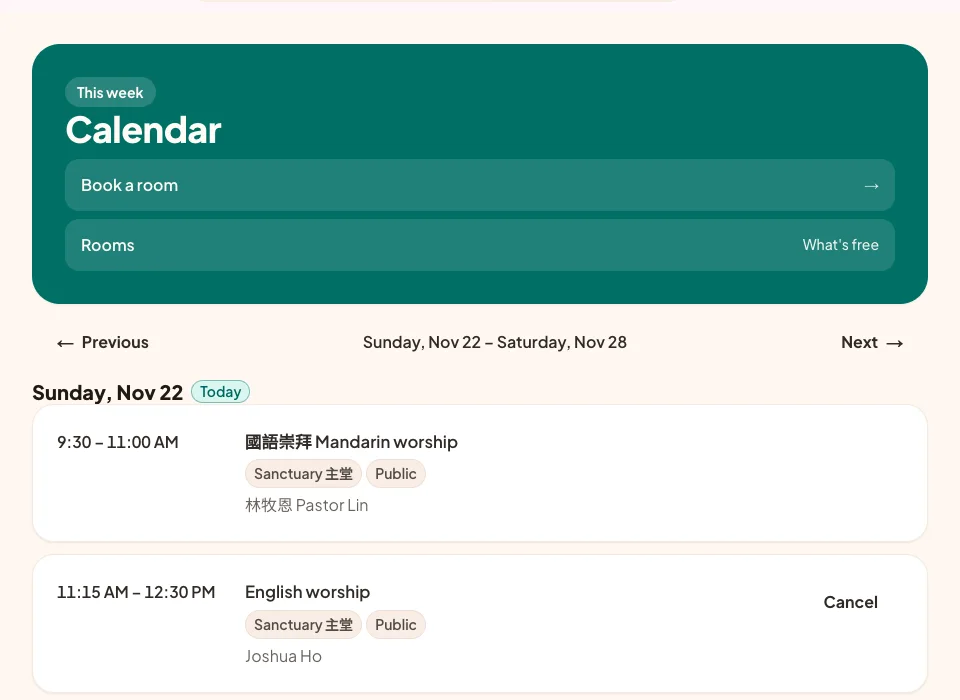
Services, rehearsals, classes and meetings in one view, with private bookings kept private.
Bookings by email are accepted only from members' own addresses, checked with email authentication.
Talk to us
We set up each church with its people: your congregations, rooms and bulletin layout. Tell us a little about your church and we'll write back personally.